Coreball
Trending Games










Core Ball – Play the Classic Timing Game Online
A circle keeps spinning, and you need to attach one more ball without hitting the others. Core Ball is an online skill game where every shot depends on timing and precision. The objective is straightforward, but finding a safe opening becomes harder as more balls surround the rotating core.
With 150 levels to complete, Coreball offers a series of challenges that test your attention and reaction time. Each stage requires you to launch a set number of balls, avoid collisions, and adapt to the movement of the central circle.
How to Play Core Ball
The game starts with a rotating circle in the middle of the screen. Your task is to shoot small numbered balls toward it, placing each one in an empty space between the balls already attached.
You can launch a ball using a left or right mouse click, the spacebar, or a touchpad. On a mobile phone or tablet, simply tap the screen to shoot.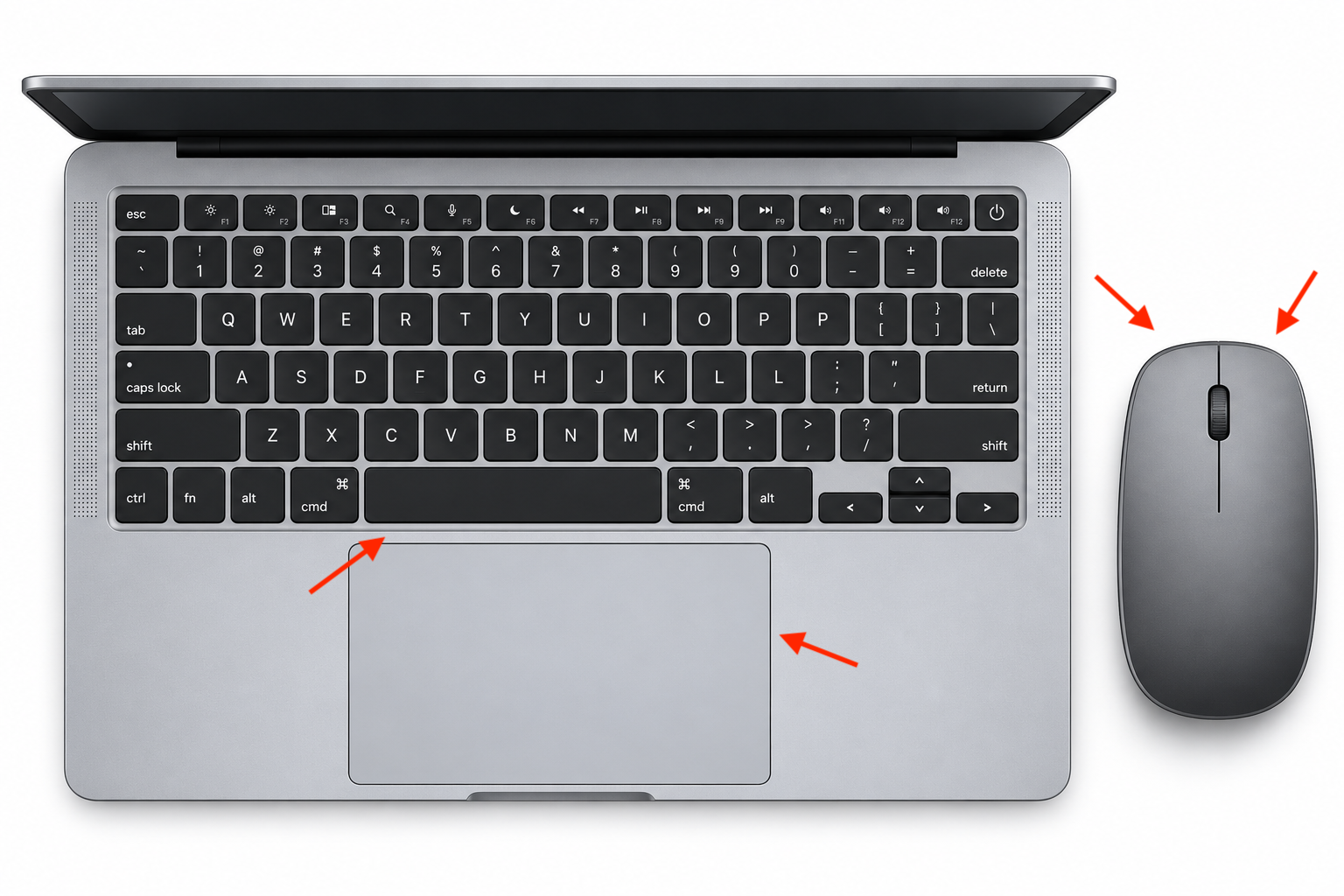
Every ball travels directly toward the core when you launch it. If it reaches the circle without touching another attached ball, it stays in place. If the balls collide, you lose the attempt and must try the level again.
The central circle may rotate clockwise or counterclockwise, and its speed can change between levels. Watch its movement before shooting to find a suitable gap.
Core Ball Unblocked – Play in Your Browser
Core Ball is a browser-based game that doesn't require installation or an account. You can open the game page on a computer, phone, or tablet and start playing with the available controls.
If you're looking for Core Ball unblocked, a browser version may be convenient because it doesn't require downloading a separate application. However, access at school or work depends on the restrictions of the local network.
Core Ball Tips for Completing Difficult Levels
Wait for a Clear Opening
Shooting too quickly can cause a collision, especially when the core already has several balls attached. Watch the spaces between them and wait until a suitable gap reaches your shooting position.
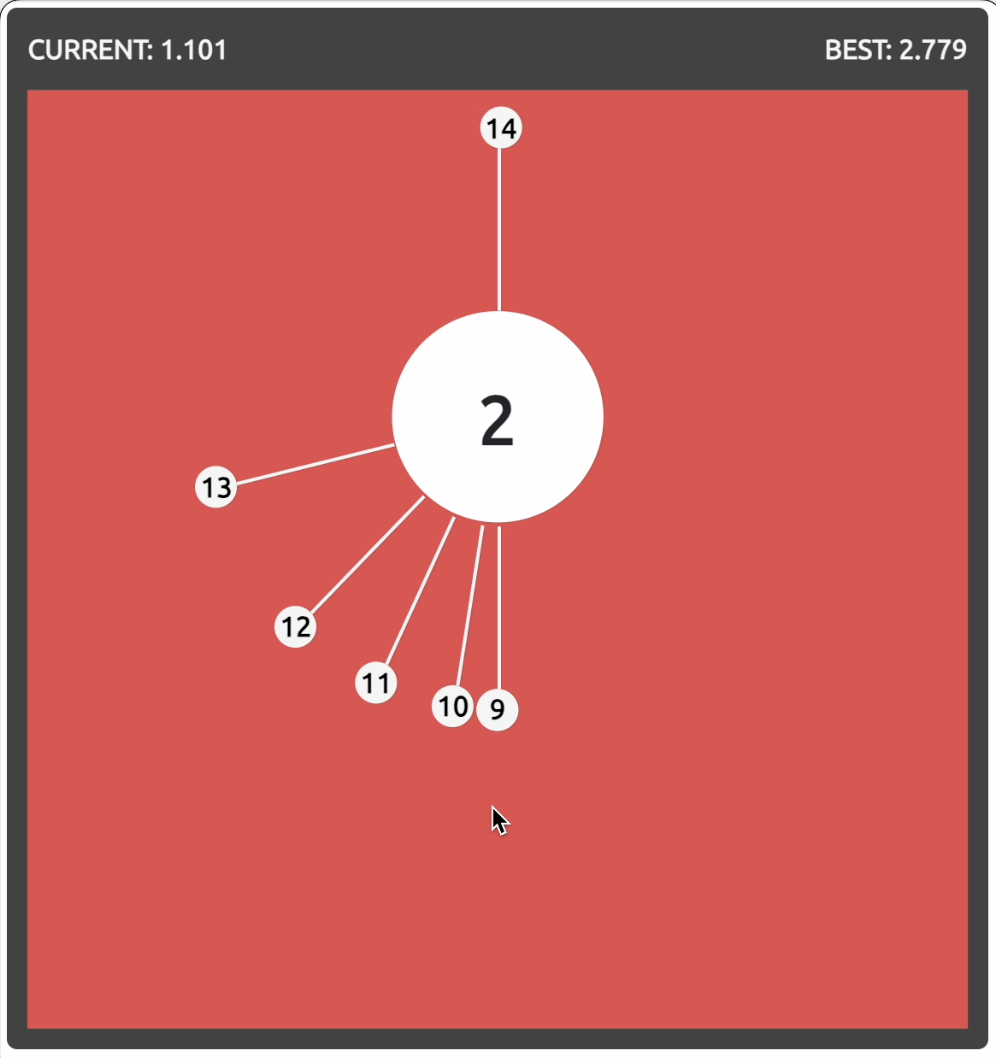
A successful level ends with the screen turning green. If your shot hits an attached ball, the screen turns red, indicating that you've lost and need to restart the stage.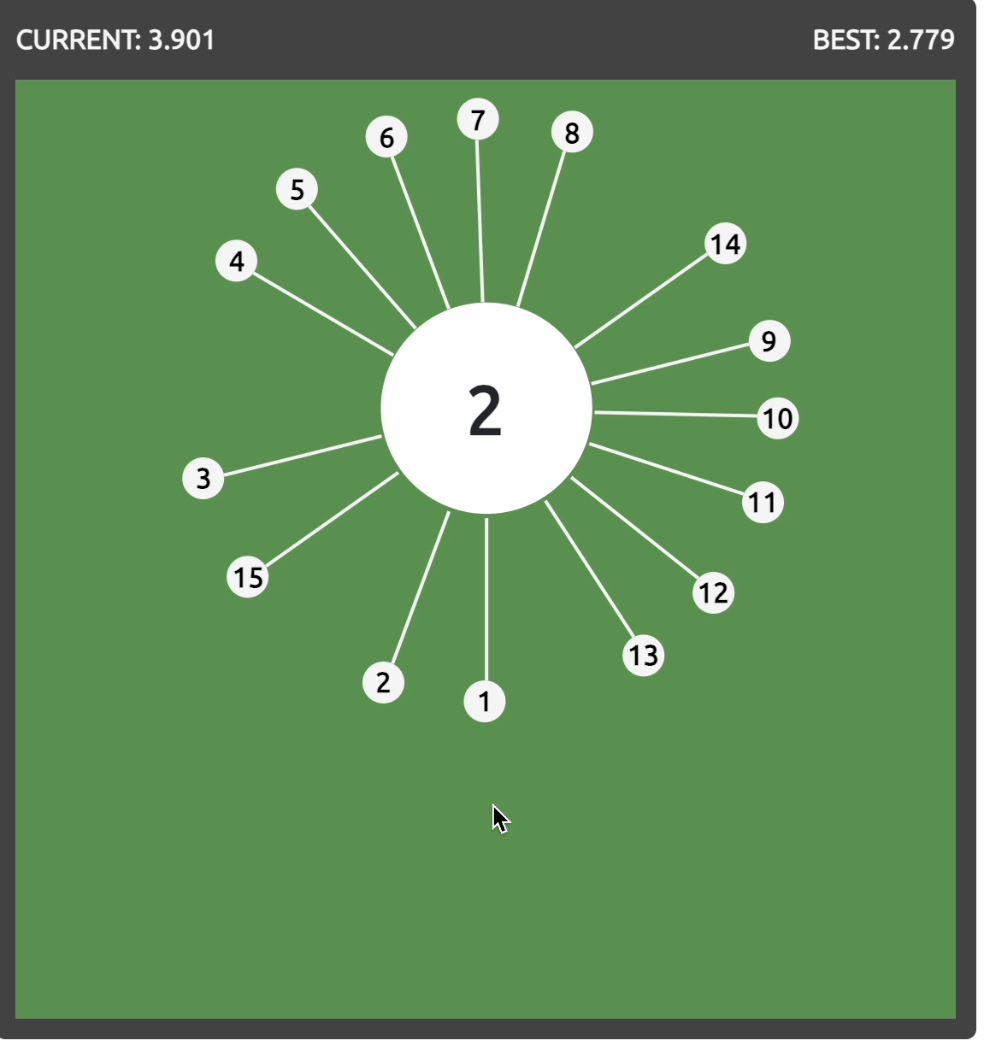
Keep Track of the Remaining Balls
Each Core Ball level requires you to launch a specific number of balls, usually between 5 and 30. The number displayed on the next ball helps you track how many shots remain.
As you attach more balls, the available gaps become smaller. Try to distribute your shots around the rotating circle instead of filling one area too quickly.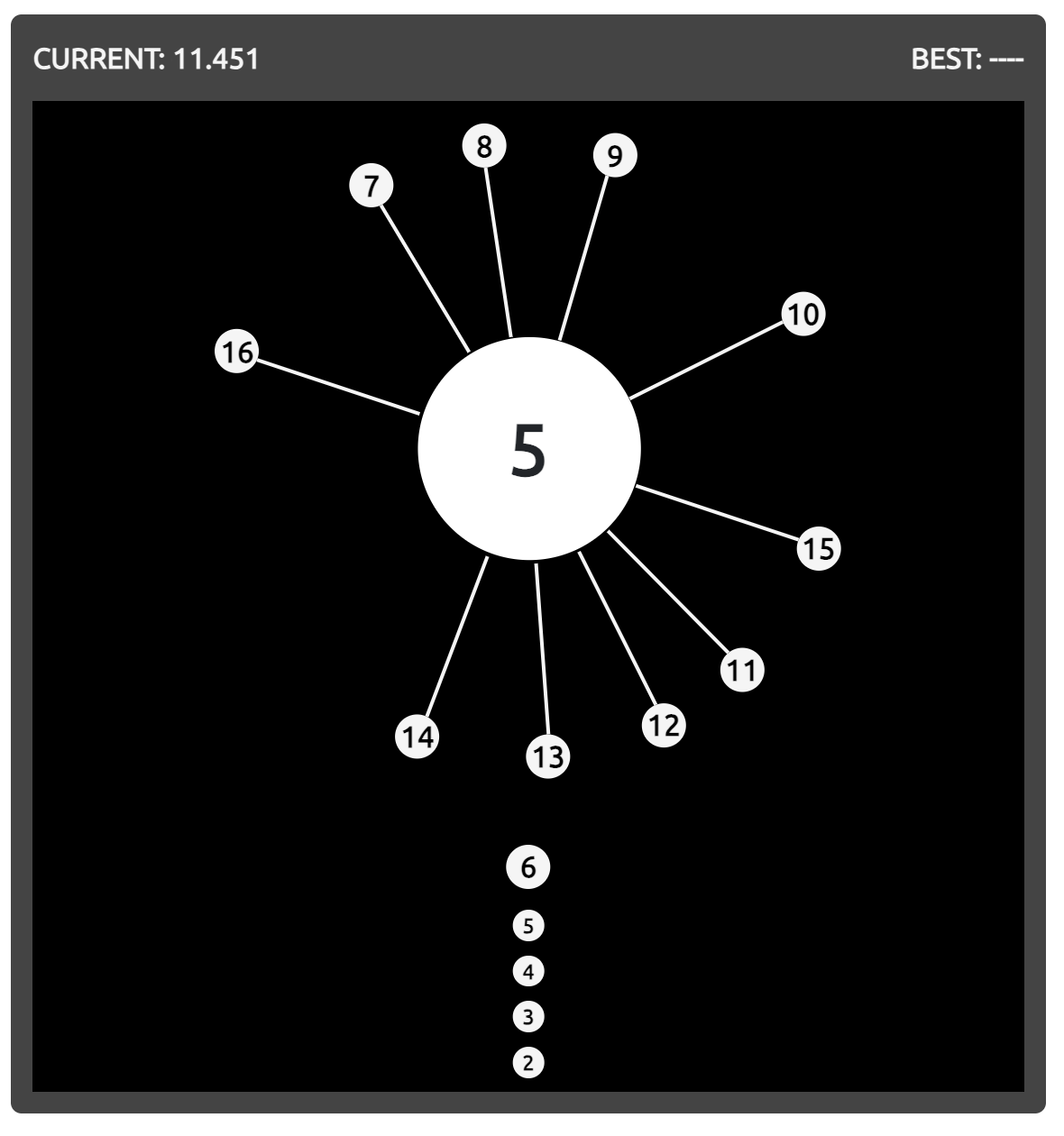
Maintain a steady pace, but don't rush just because only a few balls are left. The final shots often require the most accurate timing.
Pay Attention to Rotation Speed and Direction
The rotating core doesn't always move at a constant speed. Some levels introduce faster movement, while others change direction or vary the rotation pattern.
Before launching another ball, observe how the circle moves and where the existing balls are positioned. If the rotation changes unexpectedly, wait until you can predict a safe moment to shoot.
Recognizing these patterns is often more useful than clicking repeatedly and hoping to find an opening.
How Many Levels Are in Core Ball?
Core Ball originally appeared with 60 levels, while the expanded version includes 150 stages.
The basic objective remains the same throughout the game, but the difficulty increases as the rotating circle becomes harder to navigate. Later levels may involve more attached balls, narrower spaces, and changes in rotation speed or direction.
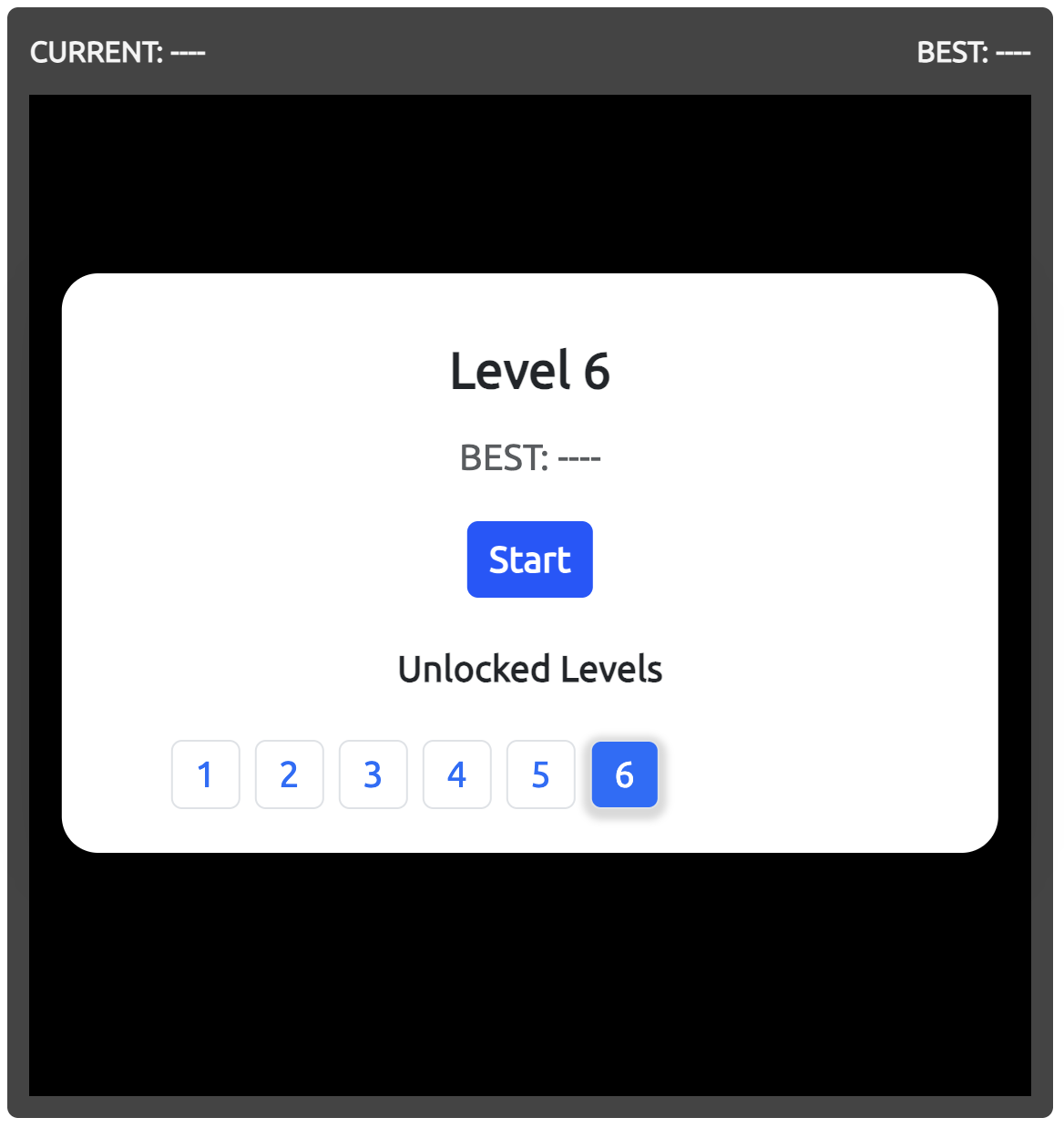
Each completed stage takes you to the next challenge. Your progress depends on how accurately you time your shots and adjust to the movement of the core.
Why Play Core Ball?
Core Ball is a minimalist arcade puzzle that focuses on one action: launching balls at the right moment. There are no complicated movement controls or lengthy instructions to learn.
The challenge comes from judging distances, recognizing rotation patterns, and choosing when to shoot. These simple mechanics make the game easy to start while leaving room to improve your timing with practice.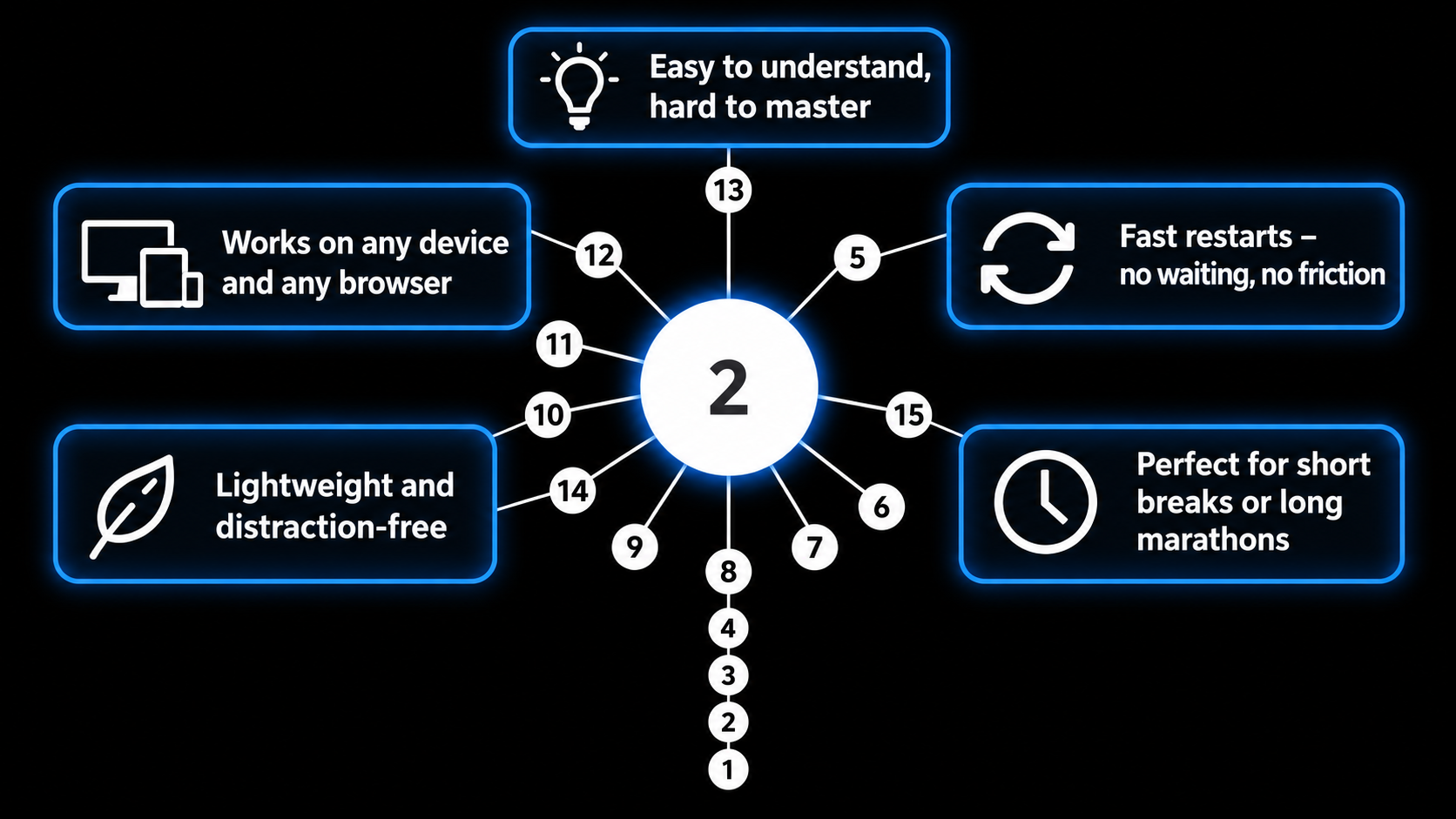
Coreball is also suitable for different playing styles. You can attempt a few levels during a short break or spend more time working through difficult stages.
Start Playing Now
Ready to test your timing skills? Play Core Ball online and see how far you can go.
To give your short-term recall a different kind of workout, try the Memory Test and see how much information you can remember. For a challenge focused more on speed and reflexes, check your Reaction Time with a quick response test. When you want something more word-based, play Word Search and look for hidden words while practicing attention and concentration.